Total Cookie Protection in Firefox Nightly 149: what to test
Mozilla’s Firefox 149.0a1 Nightly release notes point developers to cookie and storage testing as Total Cookie Protection keeps third-party cookies from following users across sites.
TL;DR
In short: Upgrade and test if you ship third-party embeds, SSO widgets, or analytics tags. According to Mozilla, Total Cookie Protection isolates cookies per top-level site, which can change cross-site behavior.
Key changes
- Total Cookie Protection remains a core privacy behavior: Mozilla describes TCP as keeping a separate “cookie jar” per site, which limits cross-site tracking via shared cookies.
- Developer-visible impact: Third-party iframes, embedded payment widgets, and federated login flows can lose access to cookies they previously reused across domains.
- Nightly DevTools note: According to the Firefox 149.0a1 Nightly release notes, Storage Inspector adds a toolbar button that deletes all entries for the selected storage.
Details
Total Cookie Protection partitions cookies by the top-level site a user visits. That means the same third-party host embedded on two different domains does not automatically share one cookie store across both contexts, according to Mozilla’s TCP documentation.
That change often shows up first in boring places. Ads stop “recognizing” a user across sites. A chat widget loses its session when you open it on a second publisher domain. An OAuth flow that hops through an iframe works in one environment and fails in another.
How to verify TCP behavior in Nightly
Start with a fresh profile. Nightly profiles collect years of toggles, and cookie debugging turns into guesswork fast.
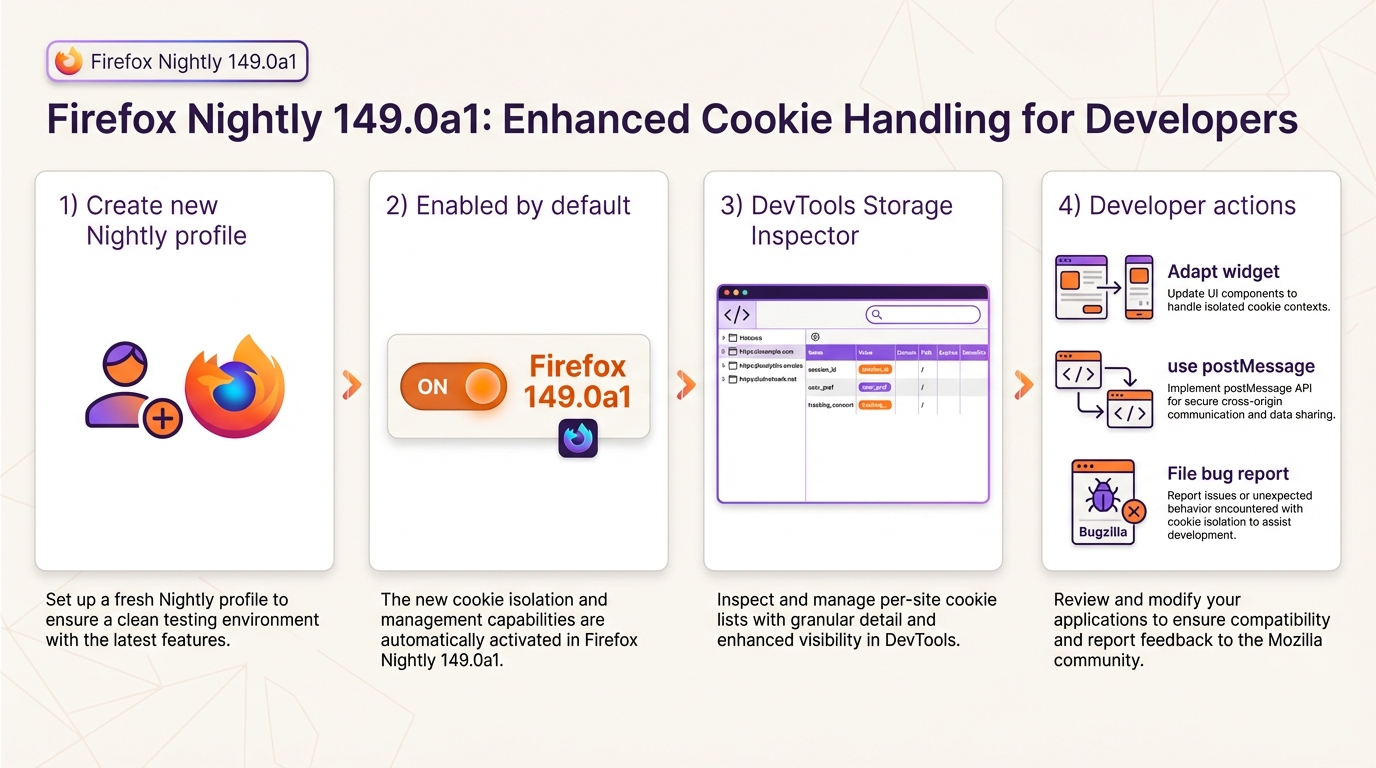
- Create a new profile: Open about:profiles, select Create a New Profile, then launch Nightly with that profile.
- Check privacy settings: Open Settings, then Privacy & Security, then review Enhanced Tracking Protection. The UI does not always spell out partitioning details, so you may also inspect related cookie preferences in about:config.
- Inspect cookies in DevTools: Open Developer Tools, then Storage Inspector, then load a page with a third-party iframe. Look for cookie entries under the relevant origin, then compare what you see when the same iframe runs under a different top-level site.
Quick test cases teams keep hitting
Adtech integration teams usually see it first. They embed the same tag on two domains and expect one shared identifier cookie, but TCP can split that storage by top-level site.
- Advertising tags across two domains: Load Domain A and Domain B with the same third-party tag. Expect the third party to see separate cookie state per top-level site when TCP partitions storage.
- Embedded widget sessions: If a payment or chat widget stores session in cookies, test it across two publisher domains. If it fails, teams often move state to server-side tokens or message passing rather than relying on third-party cookies.
- Analytics drop-offs: If counts dip for third-party includes, inspect whether partitioned cookies changed your attribution or session stitching. Some teams shift to first-party measurement for the critical events.
Troubleshooting
Most breakage reports end up looking the same. Someone says “cookies disappeared,” but the browser started scoping them differently.
- Cookies missing in embedded flows: Re-test on a fresh Nightly profile, then capture Storage Inspector output and Network panel headers for the requests that set cookies.
- Nightly differs from Release: Compare against a Release profile with default settings, then document the exact ETP and cookie configuration you used in both runs.
- Need legacy behavior for a repro: Use a disposable secondary profile and change the relevant cookie preferences in about:config. Do not change your daily profile unless you enjoy chasing unrelated regressions.
There’s probably a cleaner one-page repro harness for this, but most teams just use two test domains and a simple iframe.
Background
Mozilla introduced Total Cookie Protection as a cookie-partitioning approach to limit cross-site tracking. Mozilla’s public posts describe TCP as creating separate cookie jars per top-level site, instead of letting embedded third parties share a single cookie store across the web.
The Firefox 149.0a1 Nightly release notes do not clearly describe a new default switch for TCP itself. They do call out a Storage Inspector control that can help developers clear storage faster while testing cookie and site-data behavior.
🛠️ Try These Free Tools
Plan your upgrade path with breaking change warnings and step-by-step guidance.
Paste release notes from two versions to get categorised breaking changes and new features.