node-core-utils 6.1.0 adds CVE trailers and better version hints
I’ve watched security backports stall over one stupid thing: someone forgets to paste the CVE into the commit trailer. node-core-utils 6.1.0 tries to remove that foot-gun.
The Node.js project released node-core-utils v6.1.0 on 2026-01-02. The tag is small, but it touches two spots that bite during security releases: CVE trailer text and “what version do we cut next?” logic.
What actually changed in 6.1.0
Here’s the short list. It matters if you run the Node.js security-release flow or you rely on node-core-utils to suggest next versions.
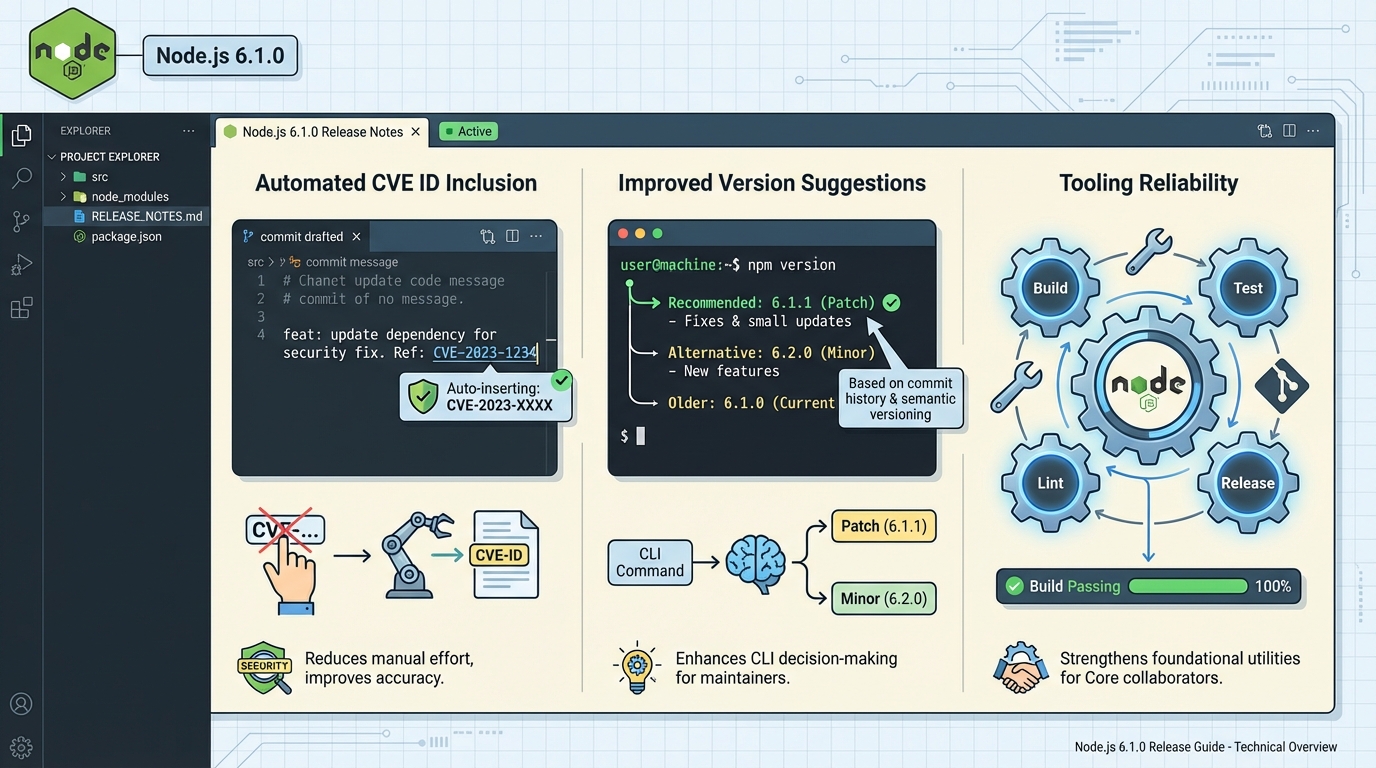
- Auto-add CVE IDs to trailers (PR #1022): The tool can carry CVE IDs through the landing/cherry-pick flow and use them when it writes trailer text, instead of forcing a human to type it every time.
- Fix next patch vs next minor suggestions (PR #1014): The security release helper switched to semver-based increments for “next patch” and “next minor,” which reduces off-by-one style mistakes in the suggestion output.
The thing nobody mentions: automation can spread the wrong CVE
This sounds paranoid. It is.
If the tool grabs or maps the wrong CVE once, it can stamp that mistake onto multiple backports before anyone notices. Some folks will accept that risk because “it’s just trailers.” I don’t. CVE metadata turns into advisories, dashboards, and sometimes customer emails.
My rule: let automation add CVE trailers, but make CI validate the CVE format and fail fast when it looks wrong.
Who should upgrade, and who can wait
Upgrade now if you do Node.js Core security-release work, or you run node-core-utils in CI to prep releases and backports. The CVE trailer automation and version-suggestion fix aim straight at that workflow.
Wait if you only installed node-core-utils out of curiosity and you never touch security releases. This release stays narrow, and it probably will not change your day.
How I’d roll it out (without breaking a release week)
Take it slow. Seriously.
Roll v6.1.0 into a staging or dry-run job first, then compare the generated trailers and suggested versions against what your release captain would pick by hand. If you cannot test your release tooling in staging, you should not run it on a live security release.
- Read the upstream notes first: Confirm the exact behavior for your flow in the official release notes for v6.1.0.
- Install the right package name: node-core-utils publishes as @node-core/utils. The unscoped node-core-utils package is deprecated.
- Verify the specific commands you use: node-core-utils ships multiple CLIs (for example, ncu-config, ncu-team, ncu-ci). Do not assume a generic ncu binary points to this project.
Quick verification ideas (the boring part that saves you later)
I usually run two checks. One for trailers, one for version suggestions.
For CVE trailers, run your normal landing/cherry-pick workflow on a known security backport and confirm the generated trailer includes the expected CVE ID. For version suggestions, run the security release helper on a known “patch vs minor” scenario and confirm the suggestion matches semver expectations.
Other stuff in this release: a couple commits, a changelog bump, the usual. There’s probably a better way to test this, but…
Install and verify node-core-utils 6.1.0
The package moved to a scoped name. If you’re still using the old unscoped package, this is your nudge to switch.
# Install the correct scoped package (the old 'node-core-utils' is deprecated)
npm install -g @node-core/utils@6.1.0

# Verify installation
ncu-config --version
# Expected: 6.1.0

# List all CLIs that ship with node-core-utils
npx @node-core/utils --help
# Ships: ncu-config, ncu-team, ncu-ci, git-node, and more
CVE trailer automation in practice
Here’s what the CVE trailer feature actually does during a cherry-pick flow. Before 6.1.0, you had to manually paste CVE IDs into trailer text. Now the tool carries them through.
# Example: landing a security fix with CVE trailer
# Before 6.1.0 — manual trailer (error-prone):
git commit --trailer "CVE-ID: CVE-2025-XXXXX" -m "fix: patch buffer overflow"

# After 6.1.0 — the tool auto-adds CVE trailers during cherry-pick:
# When using git-node to land/cherry-pick security commits,
# the CVE ID from the original PR metadata gets carried through
# to the backport commit trailers automatically.

# The generated trailer format looks like:
# CVE-ID: CVE-2025-12345
# Refs: https://cve.mitre.org/cgi-bin/cvename.cgi?name=CVE-2025-12345
To validate the trailer format in CI, you can add a simple check to your GitHub Actions workflow:
# .github/workflows/validate-cve-trailers.yml (example)
name: Validate CVE Trailers
on: pull_request
jobs:
  check-trailers:
    runs-on: ubuntu-latest
    steps:
      - uses: actions/checkout@v4
        with:
          fetch-depth: 0
      - name: Check CVE trailer format
        run: |
          # Extract trailers from the last commit
          trailers=$(git log -1 --format='%(trailers)')
          if echo "$trailers" | grep -q "CVE-ID:"; then
            # Validate CVE format (CVE-YYYY-NNNNN)
            echo "$trailers" | grep "CVE-ID:" | while read -r line; do
              cve=$(echo "$line" | sed 's/CVE-ID: //')
              if ! echo "$cve" | grep -qE '^CVE-[0-9]{4}-[0-9]{4,}$'; then
                echo "ERROR: Invalid CVE format: $cve"
                exit 1
              fi
              echo "✓ Valid CVE trailer: $cve"
            done
          fi
Version suggestion fix: patch vs minor
PR #1014 fixed how the security release helper calculates “next patch” and “next minor” suggestions. The old logic had edge cases where it would suggest wrong versions, especially around pre-release boundaries.
# Before fix — could suggest wrong next version:
# Current: v20.19.5
# Tool suggests next patch: v20.19.5 (wrong, same version)

# After fix — uses proper semver increment:
# Current: v20.19.5
# Tool suggests next patch: v20.19.6 ✓
# Tool suggests next minor: v20.20.0 ✓

# You can verify by running the security-release helper:
npx @node-core/utils ncu-ci --dry-run
For tracking Node.js security releases and CVEs across all active release lines, check the CVE Dashboard or scan your own project’s Node.js dependencies with the Dependency EOL Scanner.
The upstream changelog and all referenced PRs are on the node-core-utils v6.1.0 release page.
Related Reading
🛠️ Try These Free Tools
Paste your dependency file to check for end-of-life packages.
Plan your upgrade path with breaking change warnings and step-by-step guidance.
Paste your workflow YAML to audit action versions and pinning.
Track These Releases