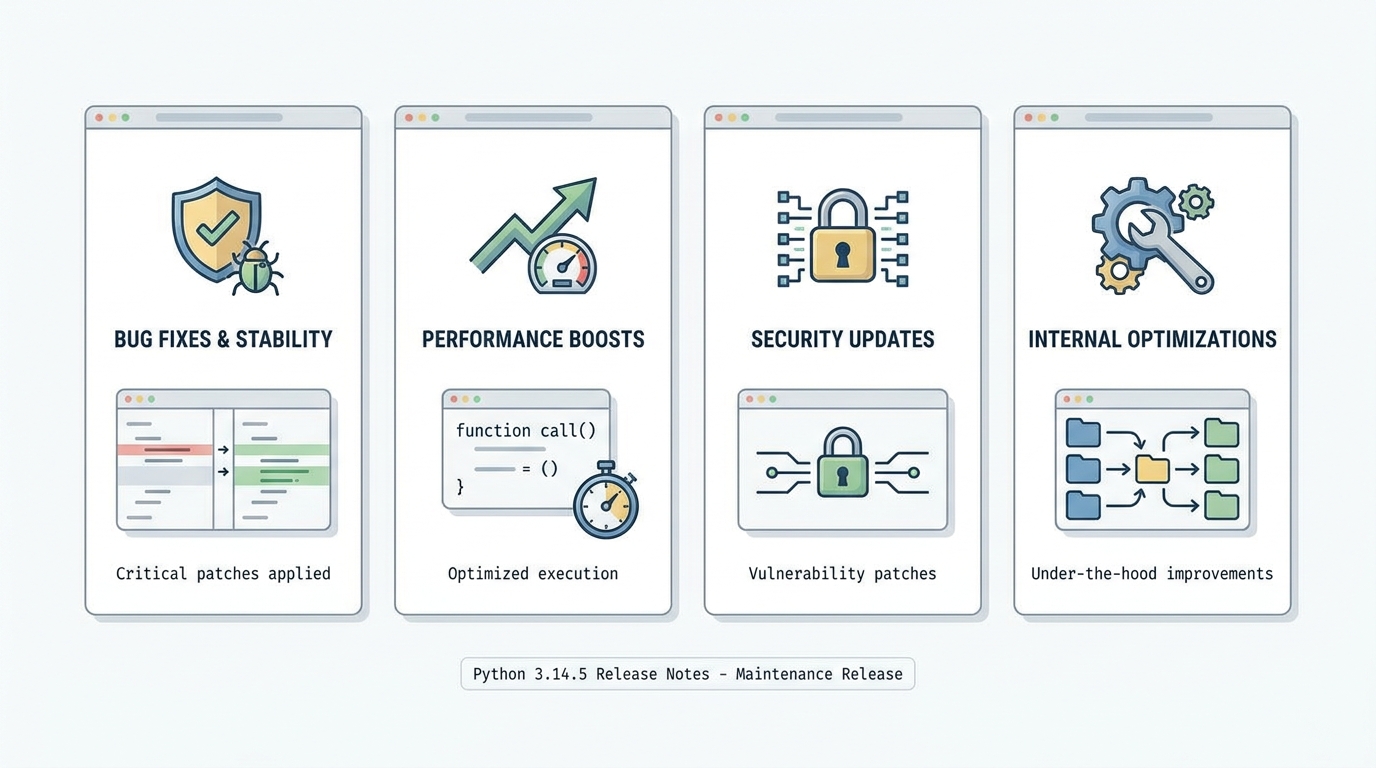
Python 3.14.5 Release Notes: the GC revert you’ll actually feel
Python 3.14.5 rolls back the 3.14 incremental garbage collector to the 3.13-style generational GC, and yes, that matters in production.
I’ve watched “boring” maintenance releases quietly erase memory spikes and 3 a.m. alerts, and this one has that vibe. Early signs look good, and it’s worth trying in staging if you run 3.14.x anywhere serious.
Highlights (the stuff you should notice fast)
This release does not try to impress you with new syntax. It tries to stop hurting you.
- Garbage collector revert (big deal for real workloads): Python 3.14.5 reverts the incremental GC used in 3.14.0 through 3.14.4 back to the generational GC behavior from 3.13, after reports of memory pressure in production. Remember when you could upgrade a patch release and not suddenly watch RSS climb on your busiest worker? This aims to get you back to that.
- ZIP extraction security fix (if you handle untrusted archives, pay attention): The release includes a fix in shutil.unpack_archive() for ZIP handling on Windows that prevents writing files outside the target directory when archives contain absolute Windows paths. If you ingest customer-provided ZIPs, treat this like a real security patch, not “just maintenance.”
- Installer library bumps (quiet, but your security team will ask): The macOS installer updates bundled components like OpenSSL and Tcl/Tk. If you ship Tkinter apps or you pin TLS behavior tightly, test it instead of assuming “it’s only a patch.”
Deep dive: why 3.14.5 feels different than 3.14.4
Here’s the thing. The GC change is the headline, even if you never read release notes.
This bit me once in a different runtime upgrade: nothing “broke,” but memory behavior shifted just enough that autoscaling thrashed, the kernel started reclaiming aggressively, and latency went from smooth to jittery in a way you only see under load. So when I see a patch release explicitly say “we reverted the incremental GC because production memory pressure reports came in,” I take it seriously and I get a little excited, because that’s Python maintainers choosing stability over pride.
I haven’t stress-tested 3.14.5 on your exact stack, and it probably depends on how hard you push object churn, but the direction is reassuring. You are not getting a new GC experiment. You are getting a step back to behavior teams already ran at scale on 3.13.
If you run services that sit near memory limits, treat this as “worth a staging rollout,” not “ship it Friday afternoon and go offline.”
Who should upgrade first (and who can chill for a minute)
Upgrade first. You want the security fix and the runtime stability improvements.
- Upgrade soon: Production services on 3.14.0 through 3.14.4, especially if you saw memory pressure, weird GC churn, or higher-than-usual container OOM kills after moving to 3.14.
- Test carefully: Apps that rely on binary wheels and C extensions, embedded Python, or tight TLS constraints. Patch releases usually behave, but native code raises the stakes.
- You can wait a bit: Toy projects, dev shells, and CI runners where you can flip versions back in minutes. Still, add 3.14.5 to your matrix when you get a quiet afternoon.
Known issues
The official materials do not ship a big “Known Issues” list for 3.14.5. The release itself responds to production reports about memory pressure in 3.14’s incremental GC, which tells you two things: teams hit it, and maintainers listened.
Anyway.
Migration notes (upgrade steps, staging checklist, and a sane rollback plan)
Do this in staging first. Then you can feel brave.
Some folks skip canaries for patch releases. I don’t, but I get it if your app is pure Python and your deploys roll back cleanly. For anything with C extensions or long-lived workers, take the extra hour and do a staged rollout.
- Confirm what you’re running now: Run python –version on the exact hosts or images you plan to upgrade. I’ve seen teams upgrade their laptop Python and call it “validated,” then get surprised in production because the Docker base image stayed put.
- Upgrade (pyenv path): Run pyenv install 3.14.5, then rebuild your virtualenvs. Remember when you had to nurse a hand-built Python through OpenSSL headers? Now you mostly just install and move on, but you still need to recreate environments to flush old binaries.
- Upgrade pip tooling: Run python -m pip install –upgrade pip. This reduces packaging weirdness during the first dependency install on the new interpreter.
- Run the tests you actually trust: Run your full suite, then run your flakiest integration tests a few extra times. If your “green build” relies on luck, a runtime change will find that out fast.
- Canary in production: Ship 3.14.5 to one worker group or a tiny slice of traffic, watch memory RSS, request latency, and error rate for a day, then widen the rollout if everything stays flat.
- Rollback plan: Keep the prior 3.14.x interpreter available (or keep the previous container image tag), and make rollback a one-command switch. If your rollback requires rebuilding from source under pressure, you do not have a rollback.
Official release notes
Read the upstream notes before you sign off. Use the final v3.14.5 tag on the CPython GitHub releases page and the python.org 3.14.5 release page, not the release candidate link floating around in older posts.
🛠️ Try These Free Tools
Paste a Dockerfile for instant security and best-practice analysis.
Paste your dependency file to check for end-of-life packages.
Plan your upgrade path with breaking change warnings and step-by-step guidance.
Track These Releases