Skip to content
Go Releases

Go 1.25.10 release notes: the quiet patch that still matters

Go 1.25.10 release notes: the quiet patch that still matters Three months after the last round of 1.25.x housekeeping, Go 1.25.10 landed on May 7 and it looks boring on purpose. Good. Most teams want “boring” from their toolchain, right up until a “routine” point release turns out to carry security fixes and a wider […]

Jack Pauley July 2, 2026 6 min read
Go 1.25.10 release notes

Go 1.25.10 release notes: the quiet patch that still matters

Three months after the last round of 1.25.x housekeeping, Go 1.25.10 landed on May 7 and it looks boring on purpose.

Good. Most teams want “boring” from their toolchain, right up until a “routine” point release turns out to carry security fixes and a wider diff than the first commit message suggests.

The backstory: why Go keeps shipping these small point releases

I have watched teams treat Go point releases like background noise, then lose a day because their CI image stayed pinned to a vulnerable patch level out of sheer inertia.

Go’s release train does not wait for your sprint planning. The project ships these maintenance drops to backport fixes onto stable branches, and the real story usually lives in the compare view and security advisories, not in a single tidy sentence.

What changed in Go 1.25.10 (and what the release notes don’t spell out)

Here’s the thing. The draft you started from claims “a single change,” but the public repo history suggests a broader patch set between go1.25.9 and go1.25.10.

If past releases are any guide, that mismatch happens because people confuse the release tag metadata with the actual contents of the point release. A Change-Id can describe the release commit, but it does not magically compress every cherry-pick and backport into one line.

  • Release timing: Go 1.25.10 published on May 7. Confirm the date on the official Go release list and the GitHub tag.
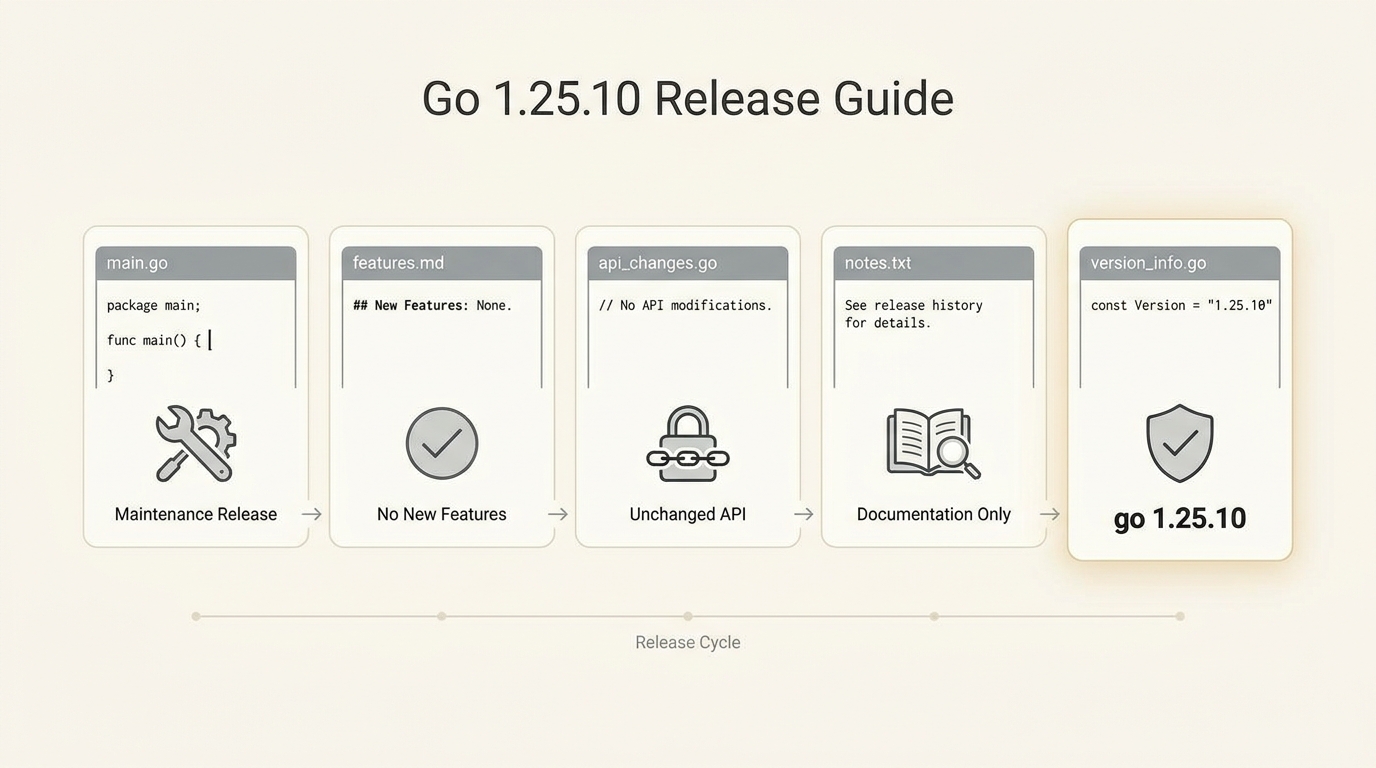
  • Scope: Expect maintenance work only. No language features, no new stdlib APIs, mostly fixes that teams want without drama.
  • Reality check: Validate the real delta by reading the go1.25.9…go1.25.10 compare page and scanning the commit list for security-related or toolchain-related changes.

Security and risk: “maintenance” does not mean “zero stakes”

Risk depends on where you are in the story. If you run Go in production, a point release that bundles security fixes puts you on the clock, even if the changelog reads like a shrug.

Some folks skip canaries for patch releases. I don’t, but I get it. When your fleet runs pinned builder images and your deploy pipeline already burns green, it feels safe to bump the version and move on. Still, I do not trust “nothing to see here” release notes from any project, including Go.

The team says point releases stay small and safe, but history suggests you should still stage the rollout when CI, cgo, or reverse proxies sit in the blast radius.

Who should upgrade, and how fast

Upgrade quickly if you consume untrusted modules or proxies, terminate untrusted HTTP traffic, or you have compliance folks asking for a patch-level story in writing.

Wait and stage it if you run big cgo-heavy builds, you pin a custom toolchain in hermetic builders, or your release week already looks like a traffic jam. The fixes might not touch your code, but the toolchain touches everything you ship.

  • Production services: Stage it. Roll it through CI first, then canary a slice of traffic, then roll forward.
  • CI/CD runners: Upgrade early. Runners usually expose breakage faster than laptops, and they give you cleaner signals.
  • Developer laptops: Upgrade when convenient. Just pin the version in your project tooling so “works on my machine” does not become a Monday meeting.

How I’d upgrade Go 1.25.10 without making it a big deal

This bit me when a team upgraded Go on laptops but forgot the builders, so half the org compiled with one patch level and released with another.

So. Treat the toolchain like you treat a database migration. Take inventory, upgrade in one place first, and keep a rollback path, even if you feel silly writing it down.

  • Get the binaries from the source of truth: Download from go.dev/dl. If your environment requires it, verify published checksums or signatures before you install.
  • Verify the version immediately: Run go version and record the output in your change log or ticket.
  • Rebuild and run tests: Rebuild your projects and run your normal test suite. For services, run an end-to-end smoke test that hits real endpoints, not just unit tests.
  • Pin your builders: Update Dockerfiles, buildpacks, or CI images that embed Go. Do not let production build artifacts drift from developer installs.

A rollout checklist I actually use

One minute. That’s how long it takes to do the basics before you touch production.

And that minute saves you from the dumb failure mode where you upgrade Go, cache stale modules, and spend the afternoon blaming the patch release for a cache problem you created yourself.

  • Before: Capture current toolchain version output from go version and keep the previous installer or image tag handy.
  • During: Upgrade a single CI runner first, run go test ./… (plus your integration suite), then rebuild the main service binaries.
  • After: Watch error rate and latency for one deploy cycle. If you see a weird spike, roll back the toolchain before you start rewriting application code.

What comes next

Go will ship the next maintenance drop, and most of us will skim it between meetings, half-reading a GitHub tag page like it’s a weather report.

Do yourself a favor: when you see “maintenance release,” click through to the official notes and the compare view anyway. Other stuff in this release: dependency bumps, security fixes, a few toolchain nits, the usual, and then you get back to real work, probably.

🛠️ Try These Free Tools

🐳 Dockerfile Security Linter

Paste a Dockerfile for instant security and best-practice analysis.

📦 Dependency EOL Scanner

Paste your dependency file to check for end-of-life packages.

🗺️ Upgrade Path Planner

Plan your upgrade path with breaking change warnings and step-by-step guidance.

See all free tools →

Stay Updated

Get the best releases delivered monthly. No spam, unsubscribe anytime.

By subscribing you agree to our Privacy Policy.