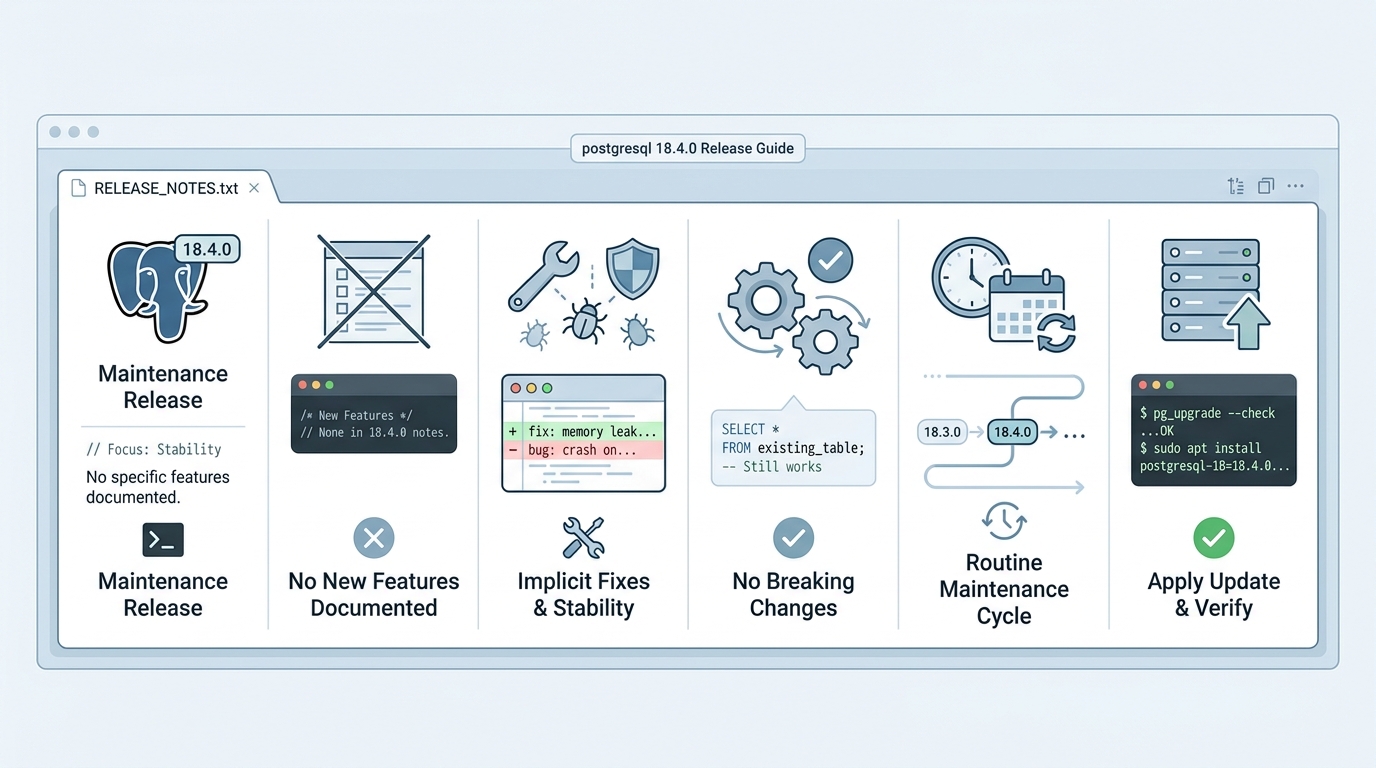
PostgreSQL 18.4.0 Release Notes: Upgrade Checklist for Production
Block 2 hours for this one. PostgreSQL 18.4 includes security fixes and backup, replication, and planner bug fixes, so treat it like a real change, not a “quiet patch.”
Breaking changes and “stuff that bites during upgrades”
I’ve watched teams call a patch upgrade “routine,” then spend the afternoon chasing a broken backup job or a failed failover. Don’t do that. Start by scanning for the changes that touch your blast radius: security posture, backup tooling, logical replication, and time zone data.
- Security fixes (CVE list): If your cluster accepts connections from anything you do not fully control, prioritize this upgrade. The upstream announcement for 18.4 calls out multiple CVEs, including fixes involving pg_basebackup/pg_rewind path handling, SQL injection in subscription tooling, and authentication side channels. Read the announcement and map each CVE to your usage.
- Backup tooling behavior (pg_basebackup, pg_rewind, pg_verifybackup): If you automate physical backups, verify you do not rely on sloppy path inputs. This depends on your scripts. Tightened validation can surface “it worked by accident” assumptions.
- Logical replication and promotion edge cases: If you run logical replication slots or do planned promotions, go straight to your upgrade rehearsal. Small worker shutdown and promotion fixes can change timing, and timing breaks runbooks.
- Time zone data updates (tzdata): If you store local timestamps, run scheduled jobs in local time, or operate in regions with recent DST policy changes, test your date math. Time zone changes show up as “why did the 2:00 AM job fire twice?” and nobody enjoys that postmortem.
- Client library gotchas: If you ship custom libpq client code, scan for use of unsafe or deprecated interfaces referenced in the 18.4 notes. Most app teams will not hit this, but the few who do will feel it immediately.
One more opinion. “Known issues: none” never relaxes me. Upstream usually lists fixes, not every possible regression, so you need your own smoke tests.
Migration steps (methodical checklist)
Keep this simple. PostgreSQL 18.4 is a minor update within 18.x in most setups, so you usually patch binaries and restart. Do not accidentally turn a minor patch into a major migration by choosing the wrong method.
Step 0: Confirm what upgrade you are doing
Check your current version first. Run SELECT version(); on the primary, then decide whether you are doing 18.x to 18.4 (minor) or jumping major versions (not this article).
- If you are on 18.x already: Plan for a binary/package update plus a restart. You typically do not need pg_dump to move between minor releases.
- If you are not on 18.x: Skip this guide and use a major-upgrade plan (pg_upgrade or logical migration). Do not improvise.
Step 1: Inventory what can block the upgrade
Write it down. List extensions, replication topology, backup method, and any poolers. This depends on your setup, but the same three things block upgrades over and over: C extensions, replicas, and automation scripts with hard-coded paths.
- Extensions: Run SELECT extname, extversion FROM pg_extension; and confirm your packaging repo provides matching builds after the patch.
- Replication: Confirm whether you run streaming replication, logical replication, or both. Capture current lag and slot state so you can compare after.
- Poolers and proxies: If you run PgBouncer or a cloud proxy, plan restart order. Drain connections before you bounce the database.
Step 2: Back up like you plan to roll back
Take a real rollback-capable backup. If you only run pg_dump, you might wait hours to restore. If you only run physical backups, you might miss small objects you rely on. In most production clusters, I keep both for patch windows.
- Physical safety net: Take a fresh base backup or snapshot that you can restore quickly. If you run managed Postgres, take a provider snapshot right before the change.
- Logical safety net: Take a targeted pg_dump of critical databases if your recovery story depends on object-level restore.
Step 3: Patch one node first (unless you only have one)
Upgrade a replica first. Validate. Then fail over or proceed to the primary. Some folks skip this for patch releases. I don’t, but I get it if you run a single-node dev box.
- Self-managed with replicas: Patch a standby, restart it, and confirm it replays WAL cleanly before you touch the primary.
- Single-node: Schedule a short outage, stop PostgreSQL cleanly, update packages or binaries, then start it back up.
- Managed service: Apply the engine patch in a maintenance window after taking a snapshot. Note the provider’s rollback limits before you click anything.
What’s new in 18.4.0 (what I’d actually care about)
This release earns attention because it bundles security fixes with real operational bug fixes. You don’t upgrade for “general backend fixes.” You upgrade because a bug in backup tooling, replication behavior, or authentication can ruin your week.
- Security: Multiple CVE fixes called out by upstream for 18.4. Treat this as a security patch, not just a stability patch.
- Backup and restore hardening: Fixes around pg_basebackup/pg_rewind and related tooling. If you rely on these tools for DR, validate your workflows immediately after patching.
- Replication and failover reliability: Fixes that reduce “stuck worker” and shutdown timing problems. If you run HA, that matters.
- Planner and correctness fixes: Small planner and constraint-handling fixes that can change query results in edge cases. If you have a regression suite, run it.
- Time zone data updates: tzdata updates can change timestamp rendering and schedule behavior in specific locales.
Rule I use: if the release notes mention backup tooling or replication, I do not postpone the patch for a quarter. I schedule it in the next maintenance window and rehearse first.
What to test after the upgrade (copy/paste smoke checks)
Test fast. Then test the scary parts. I’ve seen teams run “SELECT 1” and call it done, then discover their replica lag graph looks like a ski slope an hour later.
- Confirm version and basic connectivity: Run SELECT version(); and connect through the same endpoints your apps use (pooler, proxy, direct).
- Check extensions load cleanly: Run SELECT extname, extversion FROM pg_extension; and watch logs for load errors.
- Replication health: Validate streaming replication state and lag. If you run logical replication, confirm subscriptions apply changes and that slots advance.
- Backup job dry run: Run one real backup cycle (or at least the same command your scheduler runs) and verify it produces a restorable artifact.
- One representative workload: Run a short read/write workload that hits your hot tables. Compare p95 latency and error counts to your baseline.
- Log scan: Grep the last 10 minutes of logs for ERROR, FATAL, and PANIC. Fix those before you declare success.
Rollback plan (do this before you touch prod)
Plan the exit. If this depends on your setup, write two rollback paths anyway: a quick one for “we need service back” and a clean one for “we need correctness back.”
- Fast rollback (HA setup): Keep at least one node on the pre-upgrade binaries until you trust the patch. If the primary misbehaves, fail over to the untouched node, then investigate offline.
- Restore rollback (single-node or managed): Restore from the snapshot or base backup you took right before the upgrade. If you rely on PITR, confirm your WAL archiving continues during and after the patch window.
- Data safety note: If you let the upgraded node accept writes, you cannot “downgrade binaries” safely. Roll back by restoring data, not by wishful thinking.
Other stuff in this release: dependency bumps, timezone updates, contrib fixes, the usual. There’s probably a better way to rehearse all of this in CI, but most teams still do it with a staging clone and a checklist.
🛠️ Try These Free Tools
Paste your dependency file to check for end-of-life packages.
Plan your upgrade path with breaking change warnings and step-by-step guidance.
Paste your Terraform lock file to check provider versions.
Track These Releases